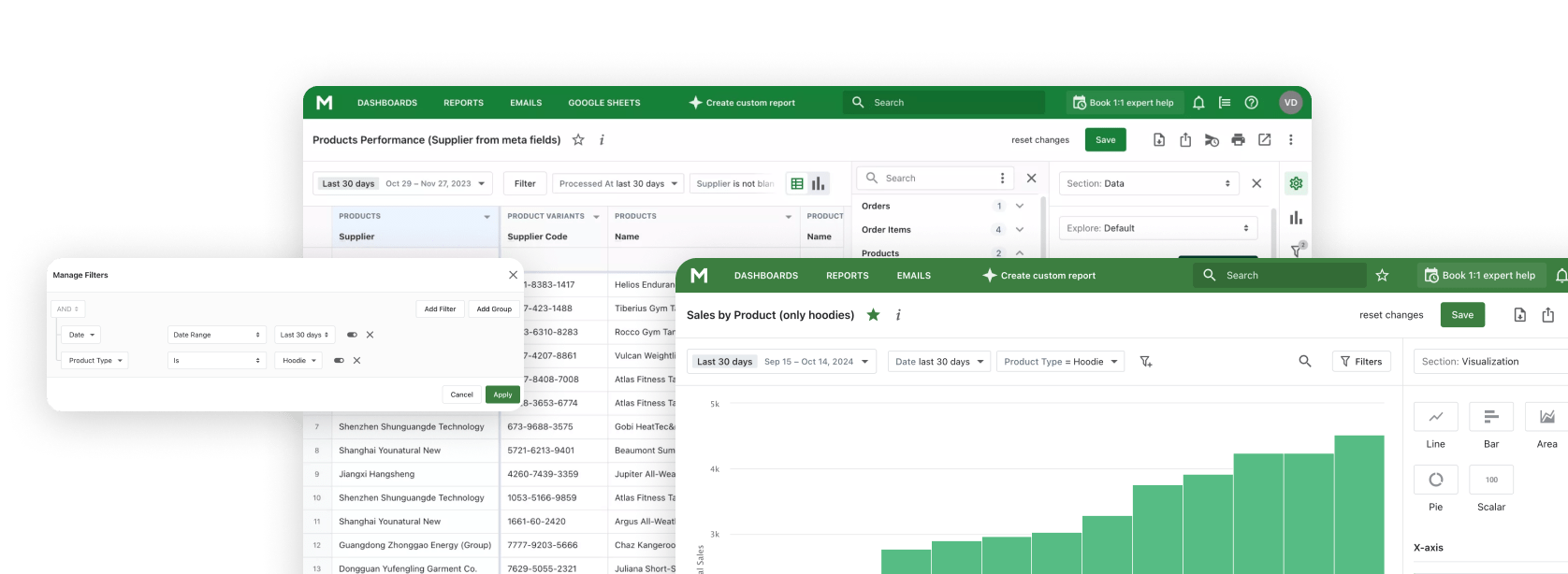
Shopify AI MCP

Connect Claude AI to Mipler Reports - your Shopify reporting and analytics platform. Build reports, analyze trends, and get business insights through natural conversation using the Model Context Protocol.

The Problem with Traditional Analytics

Manual Data Export

Constantly exporting data from Shopify, copying into spreadsheets, and then pasting into AI tools. A tedious cycle that wastes valuable time.

Limited AI Context

When you ask AI about your business, it lacks access to your actual data. You get generic answers instead of insights specific to your store.

Context Switching

Jumping between your analytics dashboard, AI chat, and spreadsheets breaks your flow and makes analysis inefficient.

What Mipler Reports MCP Enables

The Model Context Protocol (MCP) connects Claude AI directly to your Shopify data through Mipler Reports, enabling a seamless reporting and analytics experience.

Direct Data Connection

Connect Claude directly to your Shopify store data through Mipler Reports. No exports, no copying, no manual data entry.

Natural Language Queries

Ask questions in plain English and get answers from your real data. No SQL, no formulas, just conversation.

Build Through Conversation

Create reports, dashboards, and custom analytics by simply describing what you need. Claude builds it for you.

Key Capabilities

Mipler Reports MCP gives Claude AI powerful tools to help you work with your Shopify reporting and analytics.

Build Reports

Create custom reports through conversation. Describe what data you need and Claude builds the report for you.

Create Dashboards

Design dashboards by describing what you want to see. Claude arranges charts, metrics, and visualizations.

Analyze Data

Get AI-powered insights from your store data. Claude identifies trends, patterns, and opportunities.

Execute Expressions

Run custom calculations and formulas. Claude can execute expressions to derive new metrics from your data.

Create Columns

Add computed columns to enhance your reports. Claude can create new data fields based on existing data.

Natural Language

Ask questions in plain English. No technical knowledge required to get the answers you need.

How It Works

1

Install Mipler Reports

Install Mipler Reports from the Shopify App Store and connect it to your store. Your data syncs automatically.

2

Configure MCP

Set up the Model Context Protocol in Claude Desktop or your preferred MCP-compatible client using the Mipler configuration.

3

Start Asking

Begin asking questions about your store data, building reports, and creating dashboards through natural conversation.

Example Prompts

Here are some prompts you can use with Claude once connected to your Shopify data through Mipler Reports MCP.

"Show me my top-selling products this month"

"Create a dashboard for daily sales performance"

"Analyze customer purchase patterns over the last 90 days"

"Build a report comparing this month vs last month"

"What's my average order value by country?"

"Which products have the highest return rate?"

Supported Clients

Mipler Reports MCP works with any application that supports the Model Context Protocol.

Claude Desktop

Anthropic's official desktop application for macOS and Windows.

Claude Web

Use Claude AI directly in your browser at claude.ai.

Claude Code (CLI)

Command-line interface for developers and terminal workflows.

Frequently Asked Questions

What is MCP (Model Context Protocol)?

MCP (Model Context Protocol) is an open standard developed by Anthropic that allows AI applications like Claude to securely connect to external data sources. It enables Claude to access and work with your data directly, rather than requiring you to copy and paste information manually.

How do I set up Mipler Reports MCP with Claude?

Setting up Mipler Reports MCP involves three steps: First, install Mipler Reports from the Shopify App Store. Second, generate your MCP configuration from the Mipler Reports dashboard. Third, add the configuration to your Claude Desktop settings file. Detailed setup instructions are provided in the app.

What data can Claude access through MCP?

Through Mipler Reports MCP, Claude can access your Shopify store data including orders, products, customers, inventory, and any custom reports you've created in Mipler Reports. Claude can also create new reports, dashboards, and computed columns on your behalf.

Is my data secure with MCP?

Yes. MCP connections are authenticated and encrypted. Claude accesses your data through Mipler Reports' secure API, and your Shopify credentials are never shared directly with Claude. You control exactly what data Claude can access through your Mipler Reports permissions.

Do I need technical knowledge to use Mipler Reports MCP?

No technical knowledge is required to use Mipler Reports MCP once it's set up. You interact with Claude using natural language - just ask questions or describe what you want to build. The initial setup requires following simple configuration steps, but no coding is involved.

Ready to get started?

Join Mipler now and benefit from meaningful reports today