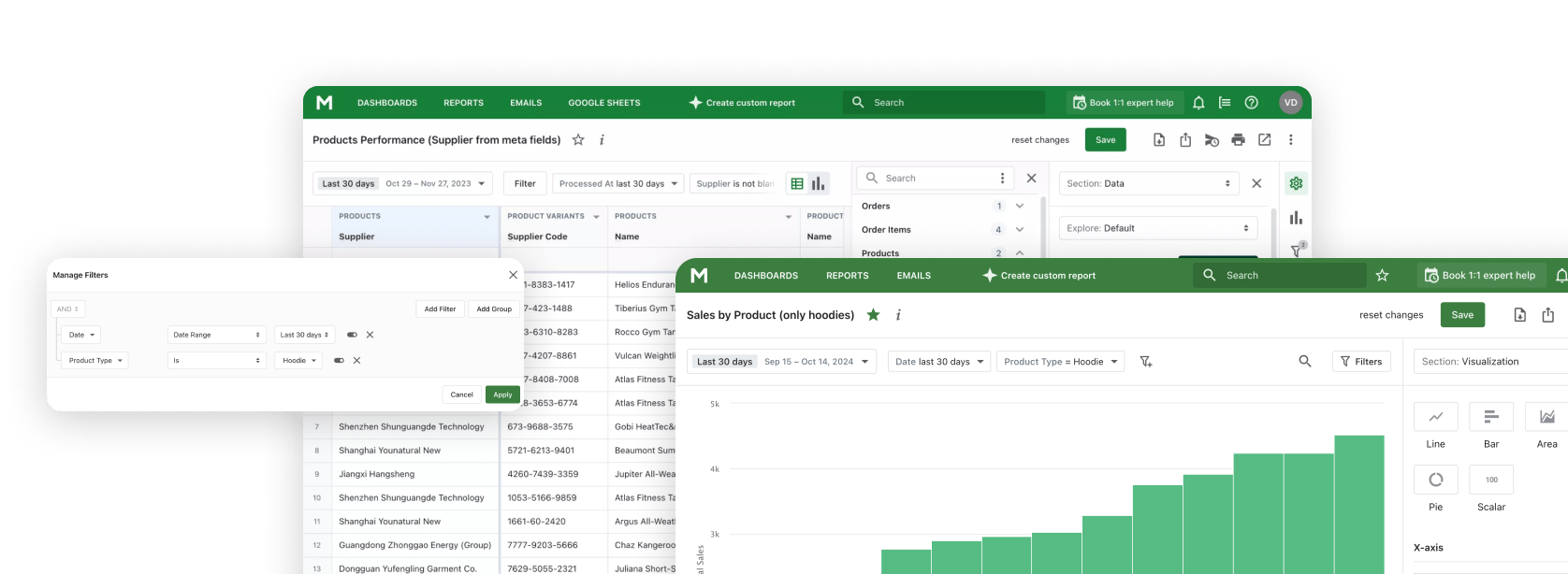
Shopify MCP for Claude

Connect Claude — Desktop, Web, or Code CLI — directly to your Shopify store via the Model Context Protocol. ChatGPT and Gemini are supported too.

Build reports, analyze trends, and get business insights through natural conversation with Mipler Reports MCP.

Updated: April 13, 2026

Проблема з традиційною аналітикою

Ручний експорт даних

Постійний експорт даних з Shopify, копіювання в електронні таблиці, а потім вставка в AI-інструменти. Втомливий цикл, що марнує цінний час.

Обмежений контекст AI

Коли ви питаєте AI про свій бізнес, він не має доступу до ваших реальних даних. Ви отримуєте загальні відповіді замість інсайтів, специфічних для вашого магазину.

Перемикання контексту

Перемикання між аналітичною панеллю, AI-чатом і таблицями перериває ваш робочий потік і робить аналіз неефективним.

Що дозволяє Mipler Reports MCP

Model Context Protocol (MCP) підключає Claude AI безпосередньо до ваших даних Shopify через Mipler Reports, забезпечуючи безперервний досвід звітності та аналітики.

Пряме підключення до даних

Claude queries a pre-indexed copy of your Shopify data — 10,000+ orders in a single request, no GraphQL pagination. Cross-object joins and aggregations happen server-side.

Запити природною мовою

Ставте питання простою мовою та отримуйте відповіді з ваших реальних даних. Без SQL, без формул, лише розмова.

Створюйте через розмову

Створюйте звіти, дашборди та користувацьку аналітику, просто описуючи, що вам потрібно. Claude побудує це для вас.

Built for Analytical Workloads

Shopify's AI Toolkit and most community MCP servers talk to the GraphQL Admin API — great for store operations, but slow and fragile for analytics. Mipler queries a pre-synced, indexed store database: one request returns 10,000 orders, and cross-object joins happen server-side.

Shopify AI Toolkit & GraphQL-based MCPs

Built for store operations

  • Typically 250 records per page, cursor-based pagination
  • 40+ round-trips to fetch 10,000 orders
  • Rate-limited by GraphQL query cost
  • Client-side joins for products, customers, and orders
  • Claude hits context limits on multi-page walks

Mipler Reports MCP

Built for analytics

  • Pre-synced, indexed store datastore
  • 10,000 orders in a single query
  • Server-side aggregations and joins
  • No GraphQL rate limits — bounded at DB level
  • Claude gets the full dataset in one tool call

The two are complementary — use the Toolkit for store operations, Mipler for heavy analytical workloads like cohort analysis, LTV, and multi-month comparisons.

Ключові можливості

Mipler Reports MCP надає Claude AI потужні інструменти для роботи з вашою звітністю та аналітикою Shopify.

Створення звітів

Створюйте користувацькі звіти через розмову. Опишіть, які дані вам потрібні, і Claude побудує звіт для вас.

Створення дашбордів

Проектуйте дашборди, описуючи, що ви хочете бачити. Claude розташує графіки, метрики та візуалізації.

Аналіз даних

Отримуйте AI-інсайти з даних вашого магазину. Claude визначає тренди, патерни та можливості.

Виконання виразів

Запускайте користувацькі обчислення та формули. Claude може виконувати вирази для отримання нових метрик з ваших даних.

Створення колонок

Додавайте обчислювані колонки для покращення звітів. Claude може створювати нові поля даних на основі існуючих даних.

Природна мова

Ставте питання простою мовою. Технічні знання не потрібні для отримання потрібних відповідей.

Як це працює

1

Встановіть Mipler Reports

Встановіть Mipler Reports з Shopify App Store та підключіть до вашого магазину. Ваші дані синхронізуються автоматично.

2

Налаштуйте MCP

Set up the Model Context Protocol in your preferred AI tool - Claude, ChatGPT, Gemini CLI, or any MCP-compatible client using the Mipler configuration.

3

Почніть питати

Почніть ставити питання про дані вашого магазину, створювати звіти та дашборди через природну розмову.

Connect Claude to Shopify

A minimal setup — install the Shopify app, copy your MCP config, and paste it into Claude Desktop. Full instructions are shown inside Mipler after install.
  1. Install Mipler Reports from the Shopify App Store and connect your store.
  2. Open Mipler → Settings → MCP and copy the generated server configuration.
  3. Paste it into your Claude Desktop config file (or the Claude Code / Claude Web connector UI).
  4. Restart Claude. Ask "Show me today's sales" — Claude answers from your live Shopify data.

Shape of the Claude Desktop config (actual values are generated in the Mipler dashboard):

{
  "mcpServers": {
    "mipler-reports": {
      "type": "http",
      "url": "https://app.mipler.com/mcp?TOKEN"
    }
  }
}

Приклади запитів

Ось деякі промпти, які ви можете використовувати з Claude після підключення до даних Shopify через Mipler Reports MCP.

"Show me today's sales"

"What are my top 10 selling products this month?"

"Create a report showing orders by country with average order value"

"Build a dashboard comparing this month vs last month sales, including total revenue, order count, and average order value "

"Analyze customer purchase patterns over the last 90 days: identify repeat buyers, calculate customer lifetime value, and find which products are most often bought together "

"Create a comprehensive monthly business review report:

- Revenue breakdown by product category, sales channel, and region
- Customer acquisition metrics: new vs returning customers, cost per acquisition
- Inventory health: slow-moving items, stockout risks, and reorder suggestions
- Top performing products and underperformers with trend analysis
- Recommendations for next month based on seasonal patterns and current data"

Підтримувані клієнти

Mipler Reports MCP працює з будь-яким додатком, що підтримує Model Context Protocol.

Claude Desktop

Офіційний десктопний додаток Anthropic для macOS та Windows.

Claude Web

Використовуйте Claude AI безпосередньо у браузері на claude.ai.

Claude Code (CLI)

Інтерфейс командного рядка для розробників та термінальних робочих процесів.

ChatGPT

OpenAI's ChatGPT with MCP support via plugins and integrations.

Gemini CLI

Google's Gemini command-line interface for terminal-based AI workflows.

Часті запитання

Що таке MCP (Model Context Protocol)?

MCP (Model Context Protocol) - це відкритий стандарт, розроблений Anthropic, який дозволяє AI-додаткам, таким як Claude, безпечно підключатися до зовнішніх джерел даних. Він дозволяє Claude отримувати доступ і працювати з вашими даними безпосередньо, без необхідності вручну копіювати та вставляти інформацію.

How is Mipler's MCP different from Shopify's AI Toolkit?

Shopify's AI Toolkit is developer-first — it integrates with Claude Code, Cursor, and VS Code to help you build apps, validate schemas, and run CLI commands against your store. Under the hood it calls Shopify's platform APIs, which means analytical queries inherit GraphQL Admin's cursor pagination and rate limits — 10,000 orders typically means 40+ sequential requests, prone to timeouts in a single Claude conversation.

Mipler's MCP is purpose-built for analytics: we pre-sync and index your store data, so a single tool call returns the full dataset with joins and aggregations already computed. The two are complementary — use the Toolkit for store operations, Mipler for cohort analysis, LTV, multi-month comparisons, and other heavy analytical workloads.

Як налаштувати Mipler Reports MCP з Claude?

Налаштування Mipler Reports MCP включає три кроки: По-перше, встановіть Mipler Reports з Shopify App Store. По-друге, згенеруйте конфігурацію MCP з панелі Mipler Reports. По-третє, додайте конфігурацію до файлу налаштувань Claude Desktop. Детальні інструкції з налаштування надаються в додатку.

До яких даних Claude може отримати доступ через MCP?

Через Mipler Reports MCP Claude може отримати доступ до даних вашого магазину Shopify, включаючи замовлення, товари, клієнтів, інвентар та будь-які користувацькі звіти, створені в Mipler Reports. Claude також може створювати нові звіти, дашборди та обчислювані колонки від вашого імені.

Чи безпечні мої дані з MCP?

Так. З'єднання MCP автентифіковані та зашифровані. Claude отримує доступ до ваших даних через захищений API Mipler Reports, і ваші облікові дані Shopify ніколи не передаються безпосередньо Claude. Ви контролюєте, до яких саме даних Claude може отримати доступ через дозволи Mipler Reports.

Чи потрібні мені технічні знання для використання Mipler Reports MCP?

Технічні знання не потрібні для використання Mipler Reports MCP після налаштування. Ви взаємодієте з Claude природною мовою - просто ставте питання або описуйте, що хочете створити. Початкове налаштування вимагає виконання простих кроків конфігурації, але програмування не потрібне.

Mipler Reports MCP brings AI-powered analytics to your Shopify store through the Model Context Protocol. This open standard developed by Anthropic allows AI tools like Claude, ChatGPT, and Gemini to connect directly to your store data, enabling a seamless reporting and analytics experience without manual data exports or complex queries.

Traditional Shopify analytics often requires tedious workflows: exporting data, copying into spreadsheets, and pasting into AI tools. With Mipler Reports MCP, you eliminate this friction entirely. Your AI assistant has direct access to your orders, products, customers, and inventory data, delivering insights specific to your store rather than generic answers.

Through natural language queries, you can build custom reports, create dashboards, and analyze trends just by describing what you need. Ask questions like "What are my top selling products this month?" or "Create a report showing orders by country with average order value" and get instant results from your real Shopify data.

Mipler Reports MCP works with any application that supports the Model Context Protocol, including Claude Desktop, Claude Web, Claude Code CLI, ChatGPT with MCP plugins, and Gemini CLI. Setup is simple: install Mipler Reports from the Shopify App Store, generate your MCP configuration, and add it to your preferred AI tool.

Whether you need daily sales summaries, comprehensive inventory health reports, or customer acquisition analysis, Mipler Reports MCP transforms how you interact with your Shopify data. No SQL knowledge required, no formulas to learn — just natural conversation with AI that understands your business.

Готові почати?

Приєднуйтесь до Mipler зараз і отримуйте користь від змістовних звітів вже сьогодні