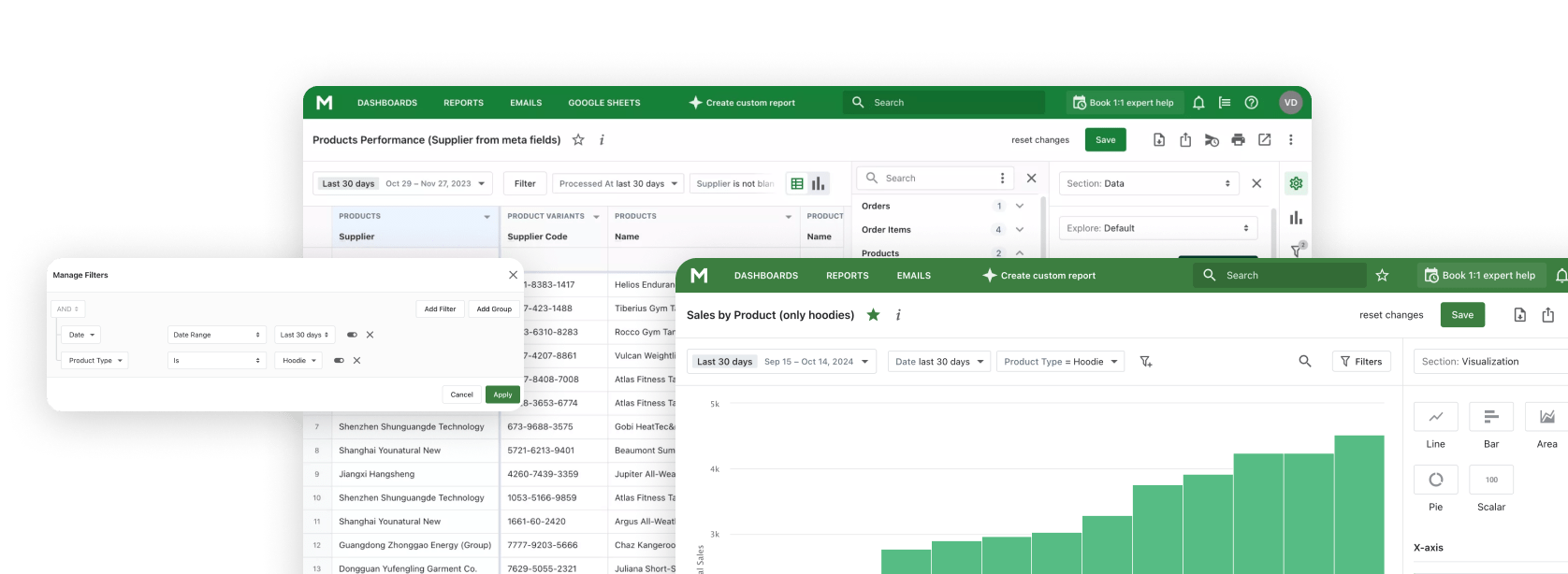
Many Shopify stores have a hidden asset: customers who created accounts but never completed a purchase. These are warm leads who showed genuine interest in your store - they took the time to sign up but something stopped them from buying. Understanding and targeting this group can significantly boost your conversion rates at a fraction of new customer acquisition costs.
With Mipler's Shopify Reports, you can quickly identify all customers with zero orders and export their contact information for targeted campaigns. The Customers Without Orders Report gives you the data you need to convert these prospects into paying customers.
Why This Report Matters
Customers who registered but didn't buy are often completely overlooked by store owners. Yet these people have already demonstrated interest - they know your brand, they visited your store, and they were engaged enough to create an account. They're much closer to purchasing than a cold prospect who has never heard of you.
Converting an existing signup typically costs 5-7 times less than acquiring a completely new customer. A simple welcome email with a discount code can push many of these leads over the finish line. Without this report, you're leaving money on the table.
This data also helps you identify potential issues in your signup-to-purchase flow. If you have a large number of customers without orders, it may indicate friction in your checkout process, unclear product information, or missed follow-up opportunities.
Benefits of Tracking Customers Without Orders
Convert Warm Leads who already know your brand with targeted first-purchase incentives
Reduce Acquisition Costs by focusing on existing signups instead of expensive new customer campaigns
Identify Conversion Issues by analyzing why customers sign up but don't complete purchases
What the Customers Without Orders Report shows:
Customer Email
Email address for direct outreach and marketing campaigns
First Name
Customer's first name for personalized communication
Last Name
Customer's last name for complete identification
Phone Number
Phone contact if provided during signup for SMS campaigns
Created At
Account creation date to understand how long they've been inactive
How to Convert These Customers
Once you have your list of customers without orders, here are proven strategies to convert them:
- Welcome Discount: Send a first-purchase discount code (10-15% off typically works well). Make it time-limited to create urgency.
- Free Shipping Offer: Many customers abandon due to shipping costs. Offer free shipping on their first order.
- Product Recommendations: If you have browsing data, send personalized product suggestions based on what they viewed.
- Social Proof: Share customer reviews and testimonials to build trust and reduce purchase hesitation.
- Cart Recovery: Many signups happen during abandoned cart flows - remind them what they left behind.
Segment Your Non-Buyers
Not all customers without orders are the same. Segment them for more effective campaigns:
- Recent Signups (last 7 days): Send a friendly welcome email - they may just need a gentle nudge
- Medium-term (1-4 weeks): They might have forgotten about you - offer a discount to re-engage
- Long-term (1+ months): Stronger incentives needed - bigger discounts or exclusive offers
Build and Automate Your Conversion Campaigns
Mipler makes it easy to stay on top of unconverted signups:
- Scheduled Reports: Get weekly lists of new customers without orders delivered to your inbox.
- Google Sheets Sync: Automatically export to Google Sheets and connect to your email marketing platform.
- Filters: Focus on specific segments like customers who signed up in the last 30 days.
Important
The Customers Without Orders Report is different from the Inactive Customers Report. Customers without orders have never purchased, while inactive customers bought before but haven't returned. They require different marketing approaches - new customer incentives vs. win-back campaigns. Use both reports together for comprehensive customer lifecycle management.
FAQ
Why do I have customers without orders?
Customers may create accounts for various reasons without immediately purchasing:
- Saving items to a wishlist for later
- Signing up for faster checkout in the future
- Subscribing to newsletters or notifications
- Abandoning cart after account creation
- Comparing prices and planning to return
How often should I run this report?
We recommend running this report weekly to catch new signups while they still remember your brand. The sooner you reach out after signup, the higher your conversion rate will be. Set up automated weekly reports in Mipler to stay consistent.
What discount should I offer to convert these customers?
The right discount depends on your margins and industry, but here are general guidelines:
- 10-15% off: Standard first-purchase incentive, works for most stores
- Free shipping: Often more effective than percentage discounts
- 20-25% off: For long-inactive signups who need stronger motivation
- Gift with purchase: Alternative to discounts that protects margins
Test different offers to see what converts best for your specific audience.
Can I export this list for email marketing?
Yes, Mipler allows you to export the report to CSV or sync directly to Google Sheets. From there, you can import the list into Klaviyo, Mailchimp, Omnisend, or any other email marketing platform. You can also set up automated syncs to keep your marketing lists always up to date.
What reports should I combine with this data?
For comprehensive customer conversion insights, combine with:
- Inactive Customers: Track customers who purchased but haven't returned
- First-time vs Returning: Monitor your overall conversion and retention rates
- Customer Lifetime Value: Track the value of converted customers over time