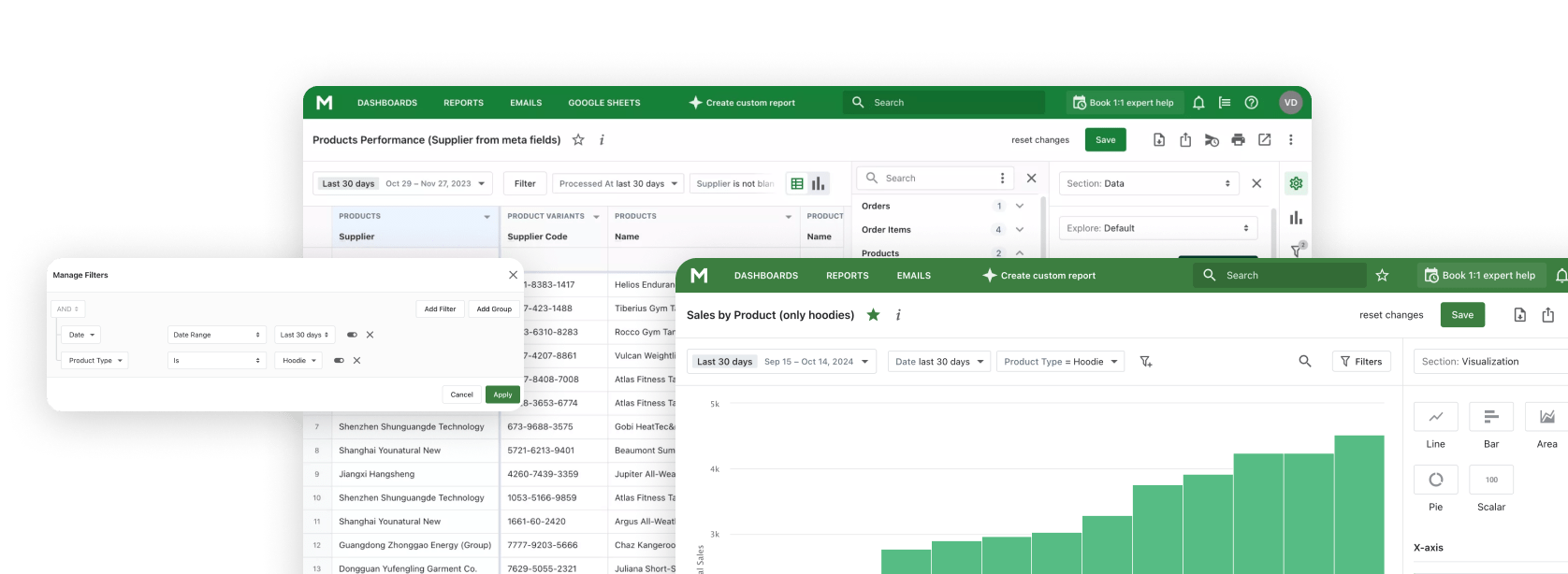
Shopify MCP for Claude

Connect Claude — Desktop, Web, or Code CLI — directly to your Shopify store via the Model Context Protocol. ChatGPT and Gemini are supported too.

Build reports, analyze trends, and get business insights through natural conversation with Mipler Reports MCP.

Updated: April 13, 2026

Problem z tradycyjna analityka

Reczny eksport danych

Ciagle eksportowanie danych z Shopify, kopiowanie do arkuszy kalkulacyjnych, a nastepnie wklejanie do narzedzi AI. Zudny cykl, który marnuje cenny czas.

Ograniczony kontekst AI

Gdy pytasz AI o swój biznes, nie ma ona dostepu do Twoich rzeczywistych danych. Otrzymujesz ogólne odpowiedzi zamiast wniosków specyficznych dla Twojego sklepu.

Przelaczanie kontekstu

Skakanie miedzy pulpitem analitycznym, czatem AI i arkuszami kalkulacyjnymi przerywa Twój przeplyw pracy i sprawia, ze analiza jest nieefektywna.

Co umozliwia Mipler Reports MCP

Model Context Protocol (MCP) laczy Claude AI bezposrednio z Twoimi danymi Shopify poprzez Mipler Reports, umozliwiajac plynne doswiadczenie raportowania i analizy.

Bezposrednie polaczenie z danymi

Claude queries a pre-indexed copy of your Shopify data — 10,000+ orders in a single request, no GraphQL pagination. Cross-object joins and aggregations happen server-side.

Zapytania w jezyku naturalnym

Zadawaj pytania w prostym jezyku i otrzymuj odpowiedzi z Twoich prawdziwych danych. Bez SQL, bez formul, tylko rozmowa.

Buduj poprzez rozmowe

Twórz raporty, pulpity i niestandardowe analizy po prostu opisujac to, czego potrzebujesz. Claude zbuduje to dla Ciebie.

Built for Analytical Workloads

Shopify's AI Toolkit and most community MCP servers talk to the GraphQL Admin API — great for store operations, but slow and fragile for analytics. Mipler queries a pre-synced, indexed store database: one request returns 10,000 orders, and cross-object joins happen server-side.

Shopify AI Toolkit & GraphQL-based MCPs

Built for store operations

  • Typically 250 records per page, cursor-based pagination
  • 40+ round-trips to fetch 10,000 orders
  • Rate-limited by GraphQL query cost
  • Client-side joins for products, customers, and orders
  • Claude hits context limits on multi-page walks

Mipler Reports MCP

Built for analytics

  • Pre-synced, indexed store datastore
  • 10,000 orders in a single query
  • Server-side aggregations and joins
  • No GraphQL rate limits — bounded at DB level
  • Claude gets the full dataset in one tool call

The two are complementary — use the Toolkit for store operations, Mipler for heavy analytical workloads like cohort analysis, LTV, and multi-month comparisons.

Kluczowe mozliwosci

Mipler Reports MCP daje Claude AI potezne narzedzia, które pomoga Ci w raportowaniu i analizie Shopify.

Twórz raporty

Twórz niestandardowe raporty poprzez rozmowe. Opisz jakich danych potrzebujesz, a Claude zbuduje raport dla Ciebie.

Twórz pulpity

Projektuj pulpity opisujac to, co chcesz zobaczyc. Claude uklada wykresy, metryki i wizualizacje.

Analizuj dane

Uzyskaj wnioski oparte na AI z danych Twojego sklepu. Claude identyfikuje trendy, wzorce i mozliwosci.

Wykonuj wyrazenia

Uruchamiaj niestandardowe obliczenia i formuly. Claude moze wykonywac wyrazenia, aby wyprowadzic nowe metryki z Twoich danych.

Twórz kolumny

Dodawaj obliczane kolumny, aby ulepszyc swoje raporty. Claude moze tworzyc nowe pola danych na podstawie istniejacych danych.

Jezyk naturalny

Zadawaj pytania w prostym jezyku. Nie jest wymagana wiedza techniczna, aby uzyskac odpowiedzi, których potrzebujesz.

Jak to dziala

1

Zainstaluj Mipler Reports

Zainstaluj Mipler Reports ze Shopify App Store i polacz go ze swoim sklepem. Twoje dane synchronizuja sie automatycznie.

2

Skonfiguruj MCP

Set up the Model Context Protocol in your preferred AI tool - Claude, ChatGPT, Gemini CLI, or any MCP-compatible client using the Mipler configuration.

3

Zacznij pytac

Zacznij zadawac pytania o dane swojego sklepu, tworzyc raporty i projektowac pulpity poprzez naturalna rozmowe.

Connect Claude to Shopify

A minimal setup — install the Shopify app, copy your MCP config, and paste it into Claude Desktop. Full instructions are shown inside Mipler after install.
  1. Install Mipler Reports from the Shopify App Store and connect your store.
  2. Open Mipler → Settings → MCP and copy the generated server configuration.
  3. Paste it into your Claude Desktop config file (or the Claude Code / Claude Web connector UI).
  4. Restart Claude. Ask "Show me today's sales" — Claude answers from your live Shopify data.

Shape of the Claude Desktop config (actual values are generated in the Mipler dashboard):

{
  "mcpServers": {
    "mipler-reports": {
      "type": "http",
      "url": "https://app.mipler.com/mcp?TOKEN"
    }
  }
}

Przyklady promptów

Oto kilka promptów, których mozesz uzyc z Claude po polaczeniu z danymi Shopify poprzez Mipler Reports MCP.

"Show me today's sales"

"What are my top 10 selling products this month?"

"Create a report showing orders by country with average order value"

"Build a dashboard comparing this month vs last month sales, including total revenue, order count, and average order value "

"Analyze customer purchase patterns over the last 90 days: identify repeat buyers, calculate customer lifetime value, and find which products are most often bought together "

"Create a comprehensive monthly business review report:

- Revenue breakdown by product category, sales channel, and region
- Customer acquisition metrics: new vs returning customers, cost per acquisition
- Inventory health: slow-moving items, stockout risks, and reorder suggestions
- Top performing products and underperformers with trend analysis
- Recommendations for next month based on seasonal patterns and current data"

Obslugiwani klienci

Mipler Reports MCP dziala z kazda aplikacja, która obsluguje Model Context Protocol.

Claude Desktop

Oficjalna aplikacja desktopowa Anthropic dla macOS i Windows.

Claude Web

Uzywaj Claude AI bezposrednio w przegladarce na claude.ai.

Claude Code (CLI)

Interfejs wiersza polecen dla programistów i przeplywoów pracy w terminalu.

ChatGPT

OpenAI's ChatGPT with MCP support via plugins and integrations.

Gemini CLI

Google's Gemini command-line interface for terminal-based AI workflows.

Czesto zadawane pytania

Czym jest MCP (Model Context Protocol)?

MCP (Model Context Protocol) to otwarty standard opracowany przez Anthropic, który pozwala aplikacjom AI takim jak Claude bezpiecznie laczyc sie z zewnetrznymi zródlami danych. Umozliwia Claude dostep i prace z Twoimi danymi bezposrednio, zamiast wymagac recznego kopiowania i wklejania informacji.

How is Mipler's MCP different from Shopify's AI Toolkit?

Shopify's AI Toolkit is developer-first — it integrates with Claude Code, Cursor, and VS Code to help you build apps, validate schemas, and run CLI commands against your store. Under the hood it calls Shopify's platform APIs, which means analytical queries inherit GraphQL Admin's cursor pagination and rate limits — 10,000 orders typically means 40+ sequential requests, prone to timeouts in a single Claude conversation.

Mipler's MCP is purpose-built for analytics: we pre-sync and index your store data, so a single tool call returns the full dataset with joins and aggregations already computed. The two are complementary — use the Toolkit for store operations, Mipler for cohort analysis, LTV, multi-month comparisons, and other heavy analytical workloads.

Jak skonfigurowac Mipler Reports MCP z Claude?

Konfiguracja Mipler Reports MCP obejmuje trzy kroki: Po pierwsze, zainstaluj Mipler Reports ze Shopify App Store. Po drugie, wygeneruj swoja konfiguracje MCP z pulpitu Mipler Reports. Po trzecie, dodaj konfiguracje do pliku ustawien Claude Desktop. Szczególowe instrukcje konfiguracji sa dostepne w aplikacji.

Do jakich danych Claude moze uzyskac dostep przez MCP?

Poprzez Mipler Reports MCP, Claude moze uzyskac dostep do danych Twojego sklepu Shopify, w tym zamówien, produktów, klientów, zapasów i wszelkich niestandardowych raportów utworzonych w Mipler Reports. Claude moze równiez tworzyc nowe raporty, pulpity i obliczane kolumny w Twoim imieniu.

Czy moje dane sa bezpieczne z MCP?

Tak. Polaczenia MCP sa uwierzytelnione i zaszyfrowane. Claude uzyskuje dostep do Twoich danych poprzez bezpieczne API Mipler Reports, a Twoje dane logowania Shopify nigdy nie sa udostepniane bezposrednio Claude. Kontrolujesz dokladnie, do jakich danych Claude moze uzyskac dostep poprzez uprawnienia Mipler Reports.

Czy potrzebuje wiedzy technicznej, aby uzywac Mipler Reports MCP?

Nie jest wymagana wiedza techniczna do korzystania z Mipler Reports MCP po jego skonfigurowaniu. Komunikujesz sie z Claude w jezyku naturalnym - po prostu zadawaj pytania lub opisz, co chcesz zbudowac. Poczatkowa konfiguracja wymaga wykonania prostych kroków konfiguracyjnych, ale nie wymaga programowania.

Mipler Reports MCP brings AI-powered analytics to your Shopify store through the Model Context Protocol. This open standard developed by Anthropic allows AI tools like Claude, ChatGPT, and Gemini to connect directly to your store data, enabling a seamless reporting and analytics experience without manual data exports or complex queries.

Traditional Shopify analytics often requires tedious workflows: exporting data, copying into spreadsheets, and pasting into AI tools. With Mipler Reports MCP, you eliminate this friction entirely. Your AI assistant has direct access to your orders, products, customers, and inventory data, delivering insights specific to your store rather than generic answers.

Through natural language queries, you can build custom reports, create dashboards, and analyze trends just by describing what you need. Ask questions like "What are my top selling products this month?" or "Create a report showing orders by country with average order value" and get instant results from your real Shopify data.

Mipler Reports MCP works with any application that supports the Model Context Protocol, including Claude Desktop, Claude Web, Claude Code CLI, ChatGPT with MCP plugins, and Gemini CLI. Setup is simple: install Mipler Reports from the Shopify App Store, generate your MCP configuration, and add it to your preferred AI tool.

Whether you need daily sales summaries, comprehensive inventory health reports, or customer acquisition analysis, Mipler Reports MCP transforms how you interact with your Shopify data. No SQL knowledge required, no formulas to learn — just natural conversation with AI that understands your business.

Gotowy, aby zacząć?

Dołącz do Mipler teraz i skorzystaj z wartościowych raportów już dziś