The Report or Export Doesn’t Have a Complete Data Set
If you notice missing records in a report or exported file from Mipler, it is likely due to a record limit being set in the report settings.
Steps to Resolve
-
Open the Report
Open the relevant report in Mipler. -
Check the Record Limit
Navigate to the record limit in the report settings: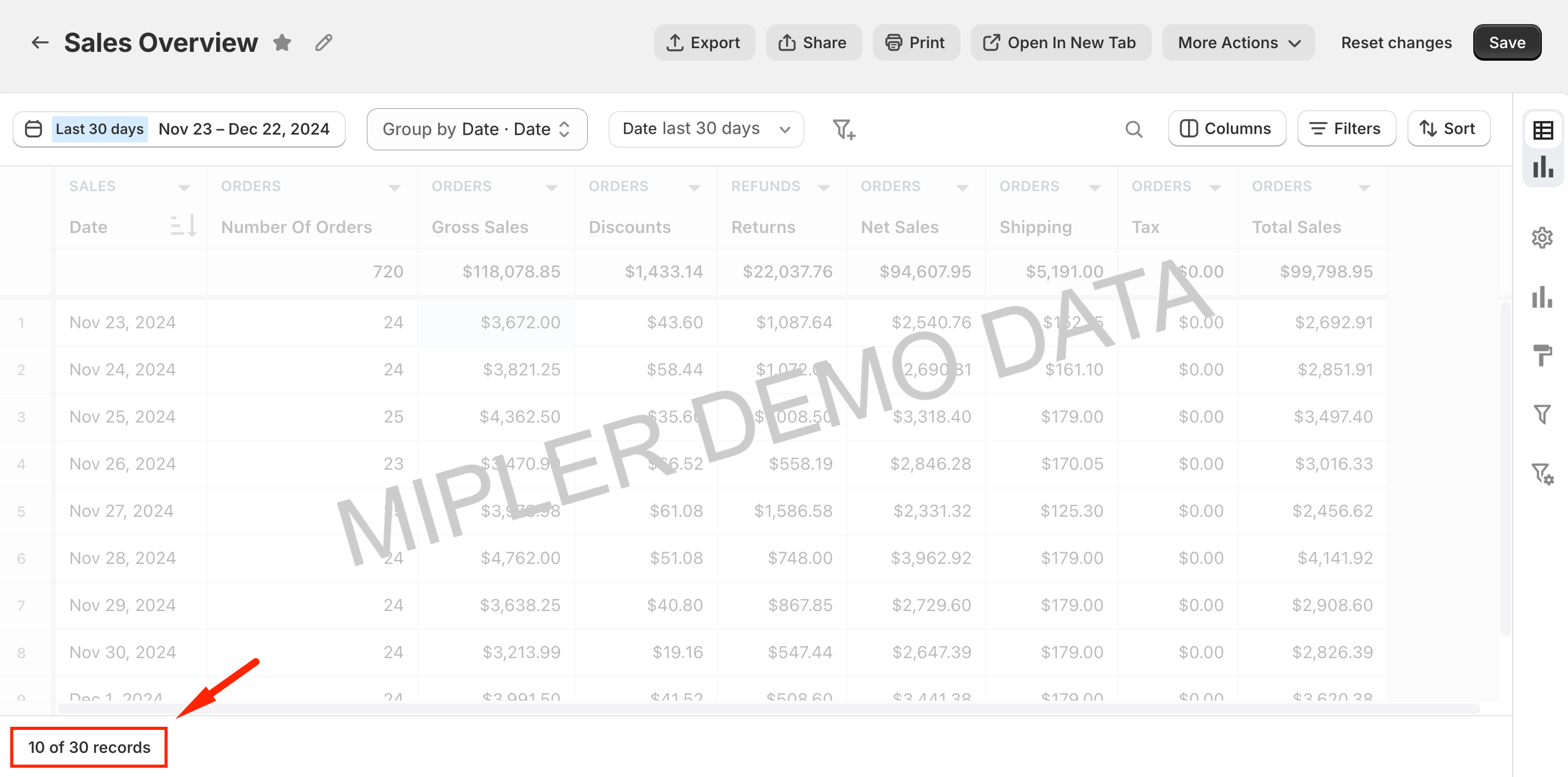
-
Adjust or Reset the Limit
Click on the record limit to adjust or reset it if necessary: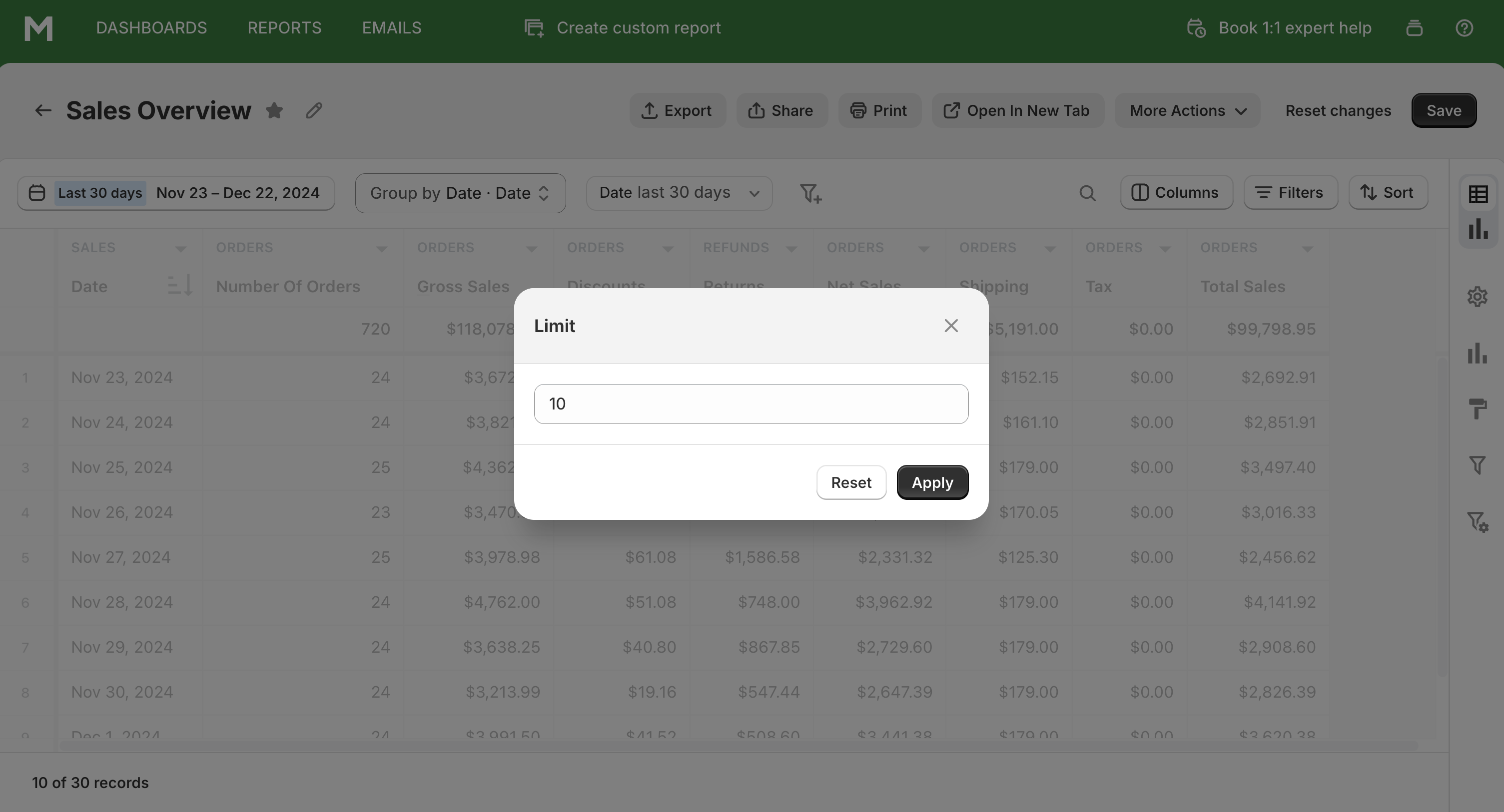
-
Export the Report
Re-export the report to ensure all records are included.
By increasing or removing the record limit, you can ensure that all records are included in your reports and exports.